Your #1 AI Note Taker for Meetings
Your #1
AI Note Taker
for Meetings
Your #1 AI Note Taker
for Meetings
Told.AI captures meetings directly from your device and
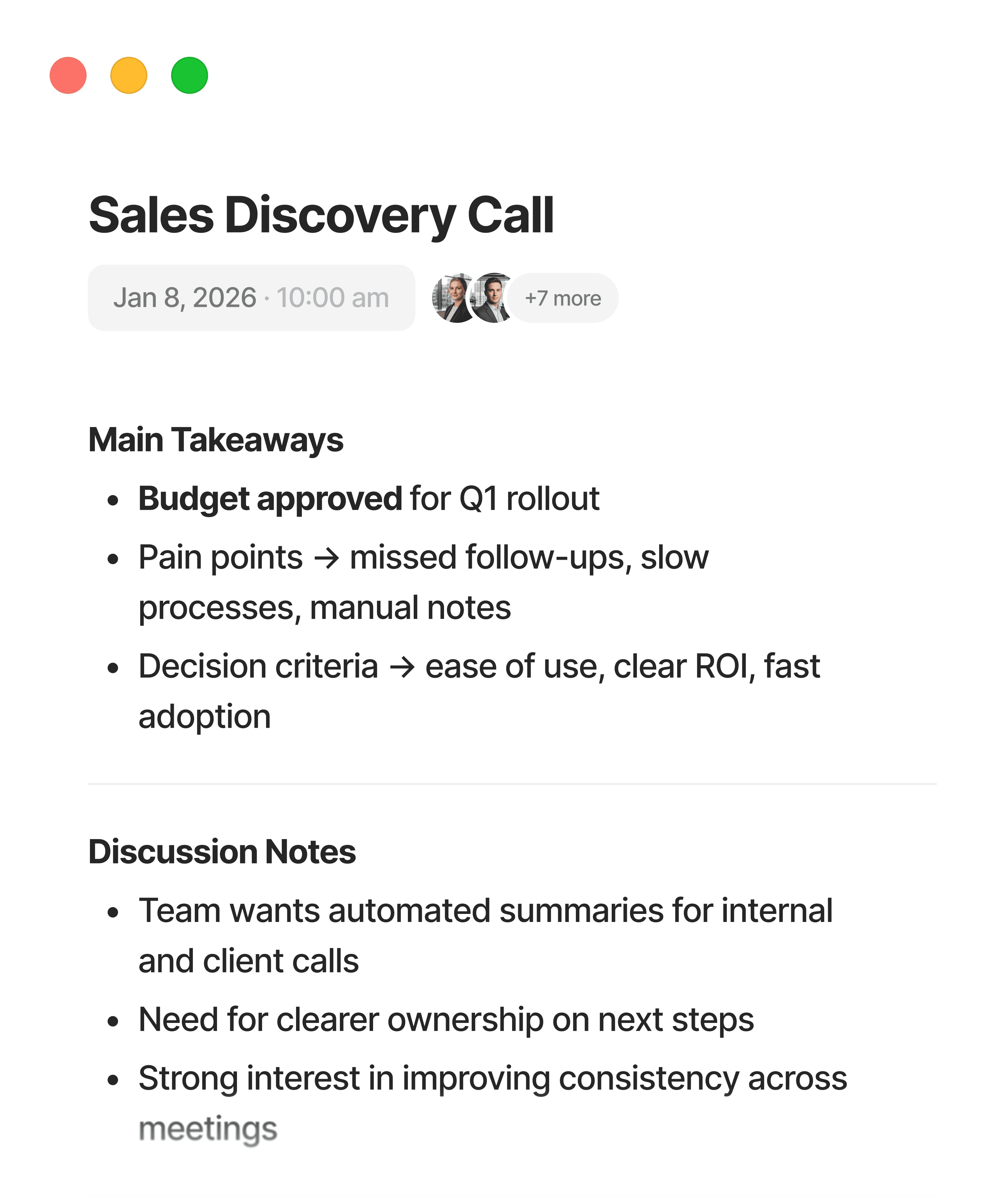
turns them into clear notes and actions
Told.AI captures meetings directly from your device and turns them into clear notes and actions

#1
Meeting Note Taker
200K+
Users save time
200K+
Users save time
350K+
Notes created weekly
4.8
on the App Store
#1
Meeting Note Taker
200K+
Users save time
350K+
Notes created weekly
4.8
on the App Store
How It Works
Meeting notes in seconds
Step 1
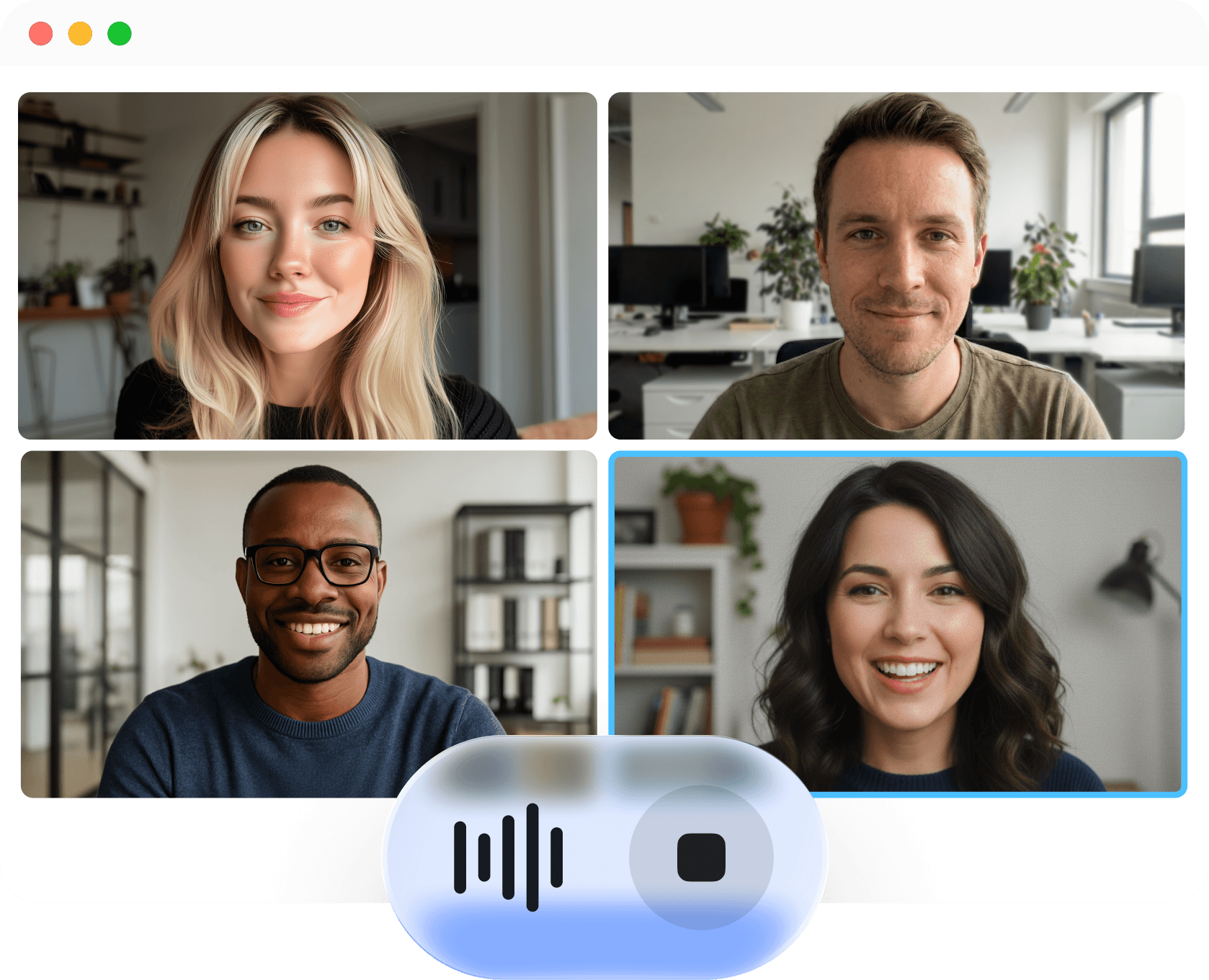
Told.AI captures your meeting without joining the call
Step 2
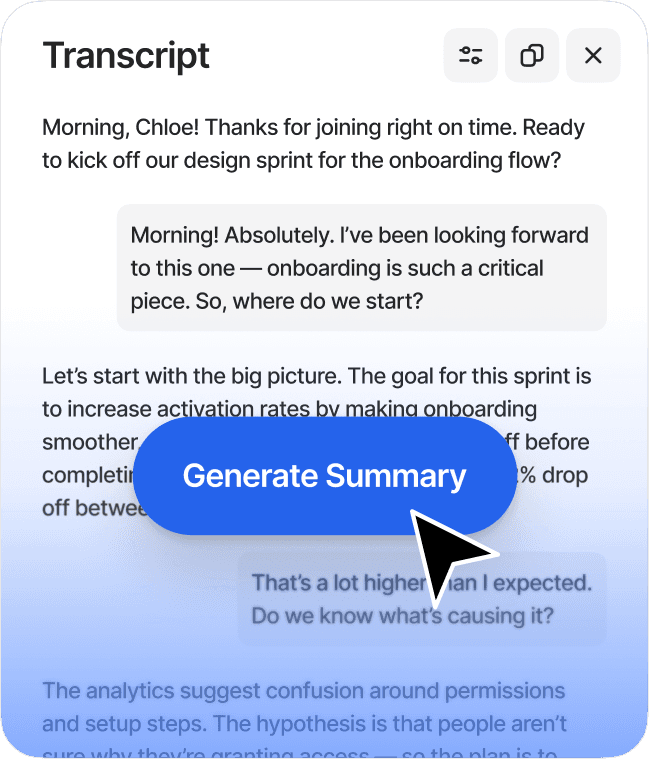
View your full transcript with everything captured
Step 2
View your full transcript with everything captured
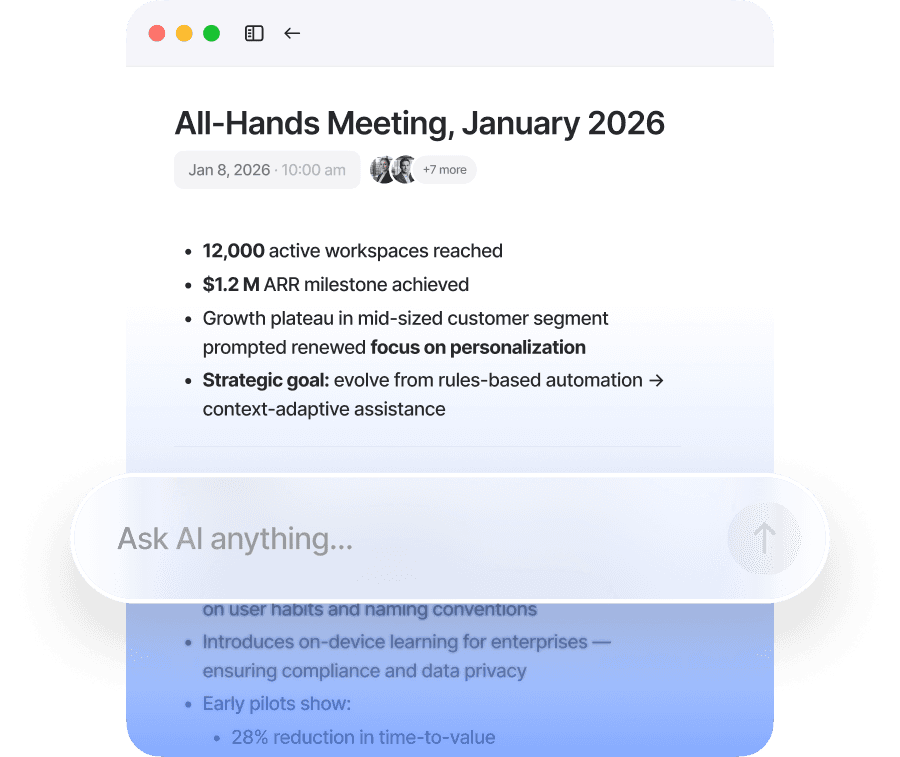
Step 3
Get a smart note with the key insights right after the meeting
Step 3
Get a smart note with the key insights right after the meeting
How It Works
Meeting notes in seconds
Step 1
Told.AI captures your meeting without joining the call
Step 2
View your full transcript with everything captured
Step 3
Get a smart note with the key insights right after the meeting
Benefits
Work smarter with Told.AI:
5+
hours saved weekly
Skip the post-meeting chore. Your notes are finished when you are.
98%
accuracy
Get a precise record of the meeting that actually reflects what was said.
100+
languages
Keep your global team aligned without the language barrier.
Benefits
Work smarter
with Told.AI:
5+
hours saved weekly
Skip the post-meeting chore. Your notes are finished when you are.
98%
accuracy
Get a precise record of the meeting that actually reflects what was said.
100+
languages
Keep your global team aligned without the language barrier.
Features
Capture Meetings Anywhere

Online Meetings
Record online calls directly from your laptop and get a full transcript with clear, structured notes.
Online Meetings
Record online calls directly from your laptop and get a full transcript with clear, structured notes.

In-person Conversations
Capture discussions in classrooms, offices, or wherever work happens using just your phone.
In-person Conversations
Capture discussions in classrooms, offices, or wherever work happens using just your phone.
Simplify Your Workflow
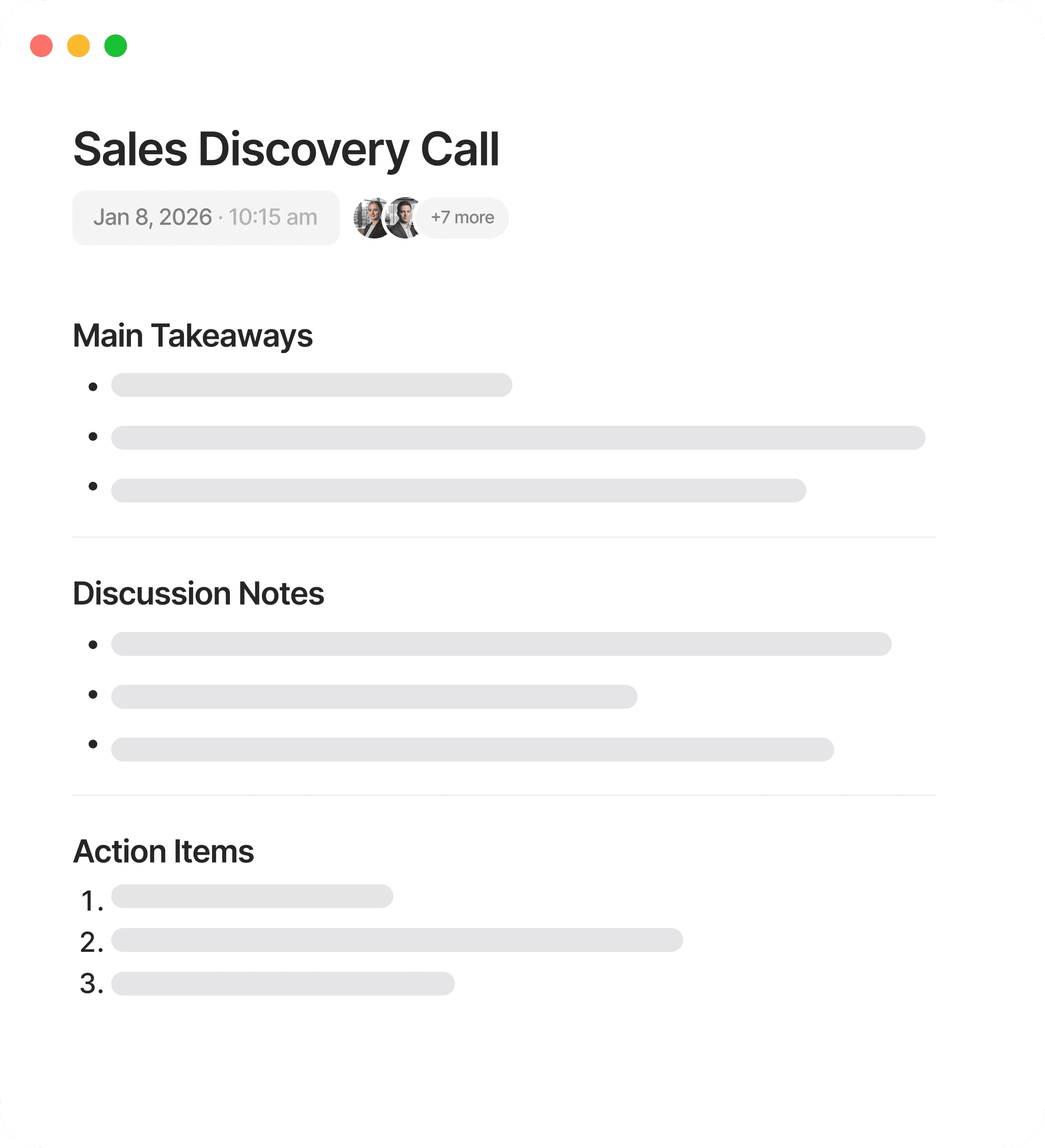
Automatic Summaries
Told.AI automatically creates complete meeting notes with key points, decisions, and next steps ready right after the meeting.
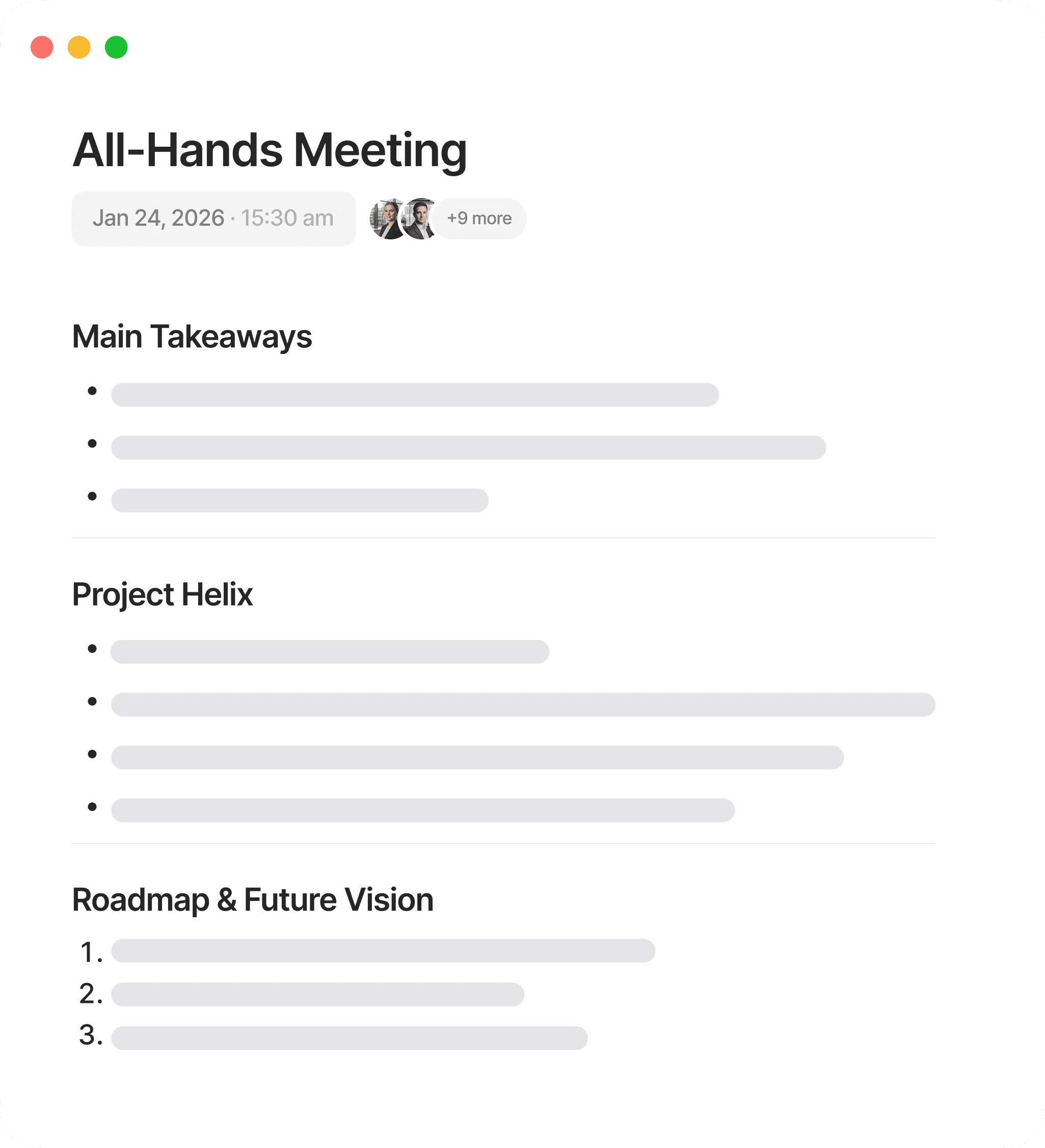
Customizable Templates
Adapt your notes into the format you need, from detailed reports to sales recaps or follow-ups. Add action items and highlights automatically and share them in seconds.
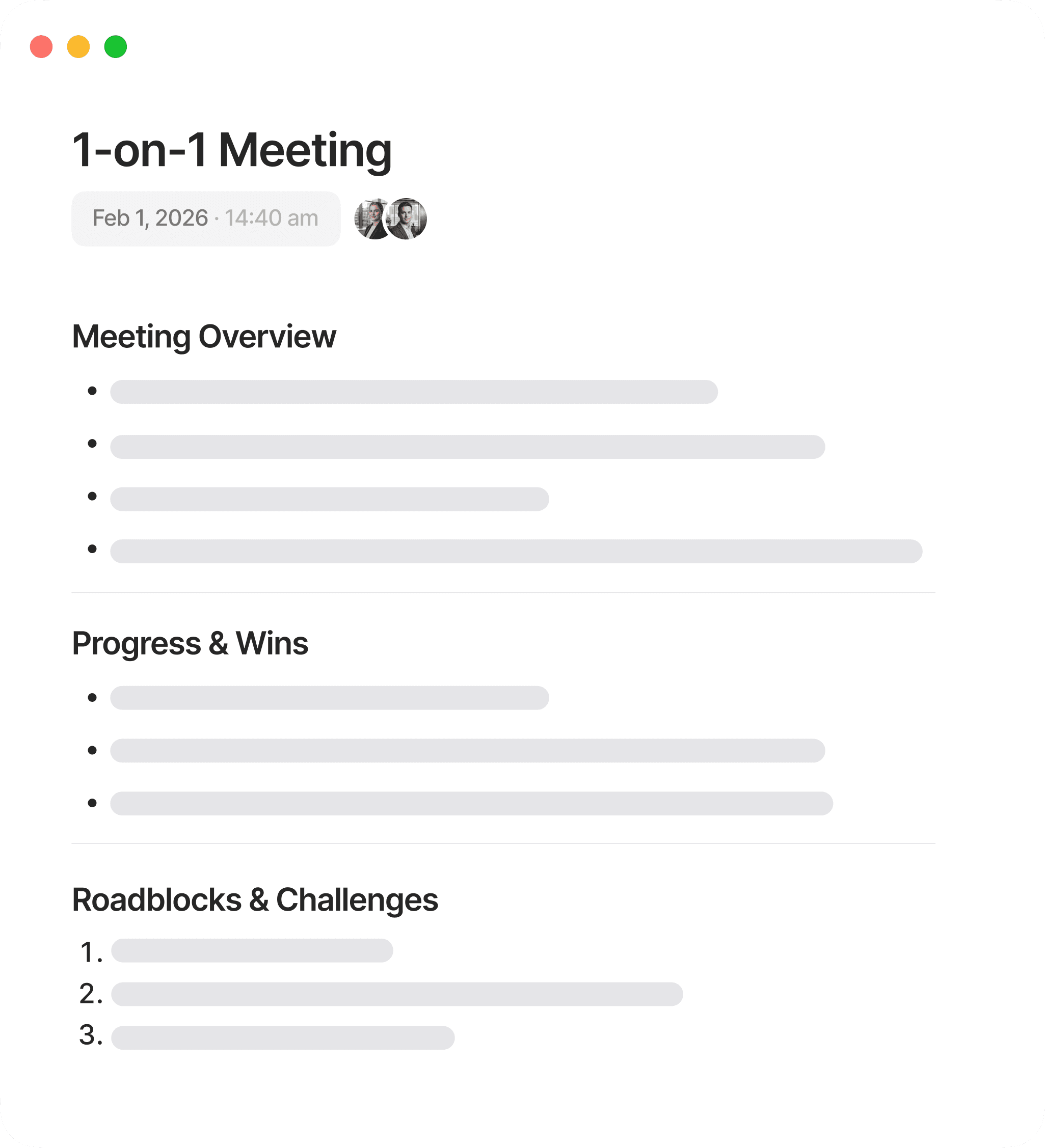
Searchable Notes
Ask Told.AI about anything from your meetings. It helps you locate information, answers, and insights quickly without reading through full transcripts.
Create a 'To-Do' list for me personally
What remained unresolved?
What are the 3 biggest risks?
Who needs more support?
What are the client’s biggest pain points?
What is the #1 priority now?
What were the top 5 decisions?
List all tasks, owners, and dates.
What feature do they love?

Simplify Your Workflow
Automatic Summaries
Told.AI automatically creates complete meeting notes with key points, decisions, and next steps ready right after the meeting.
Customizable Templates
Adapt your notes into the format you need, from detailed reports to sales recaps or follow-ups. Add action items and highlights automatically and share them in seconds.
Searchable Notes
Ask Told.AI about anything from your meetings. It helps you locate information, answers, and insights quickly without reading through full transcripts.
Create a 'To-Do' list for me personally
What remained unresolved?
What are the 3 biggest risks?
Who needs more support?
What are the client’s biggest pain points?
What is the #1 priority now?
What were the top 5 decisions?
List all tasks, owners, and dates.
What feature do they love?
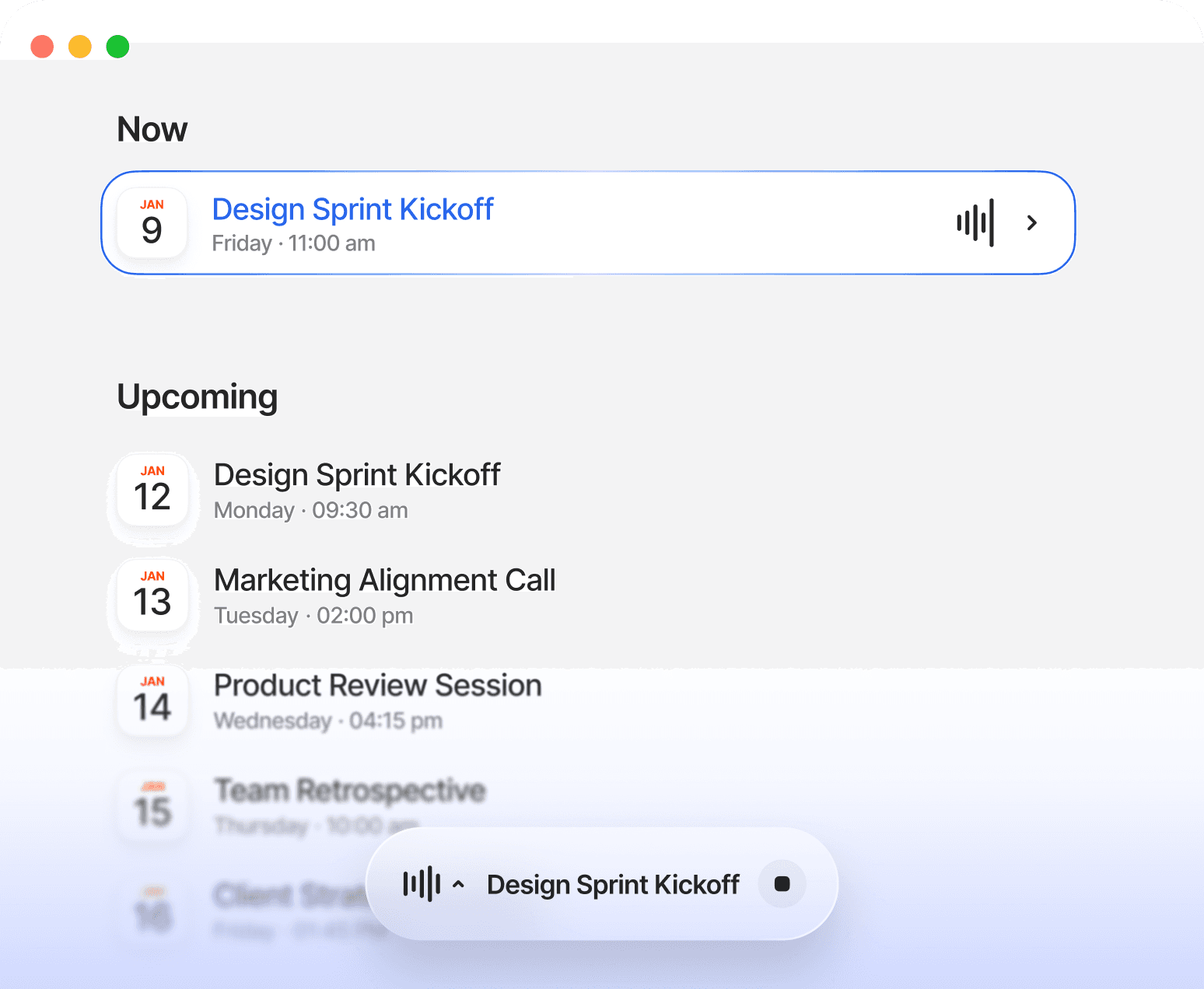
Record Meetings Without Bots
Calendar Sync
Told.AI connects to your calendar to record and organize meetings automatically. It follows your schedule without setup or extra permissions.
No Meeting Bots
Told.AI records directly from your device, invisible to everyone else. It never joins as a participant, never appears on screen share, and never interrupts your meetings.
All Platforms Supported
Told.AI works with Zoom, Google Meet, and Microsoft Teams. No plug-ins, extensions, or complex integrations required.
Record Meetings
Without Bots
Calendar Sync
Told.AI connects to your calendar to record and organize meetings automatically. It follows your schedule without setup or extra permissions.
No Meeting Bots
Told.AI records directly from your device, invisible to everyone else. It never joins as a participant, never appears on screen share, and never interrupts your meetings.
All Platforms Supported
Told.AI works with Zoom, Google Meet, and Microsoft Teams. No plug-ins, extensions, or complex integrations required.
Designed
for Team Collaboration
Designed for Team Collaboration
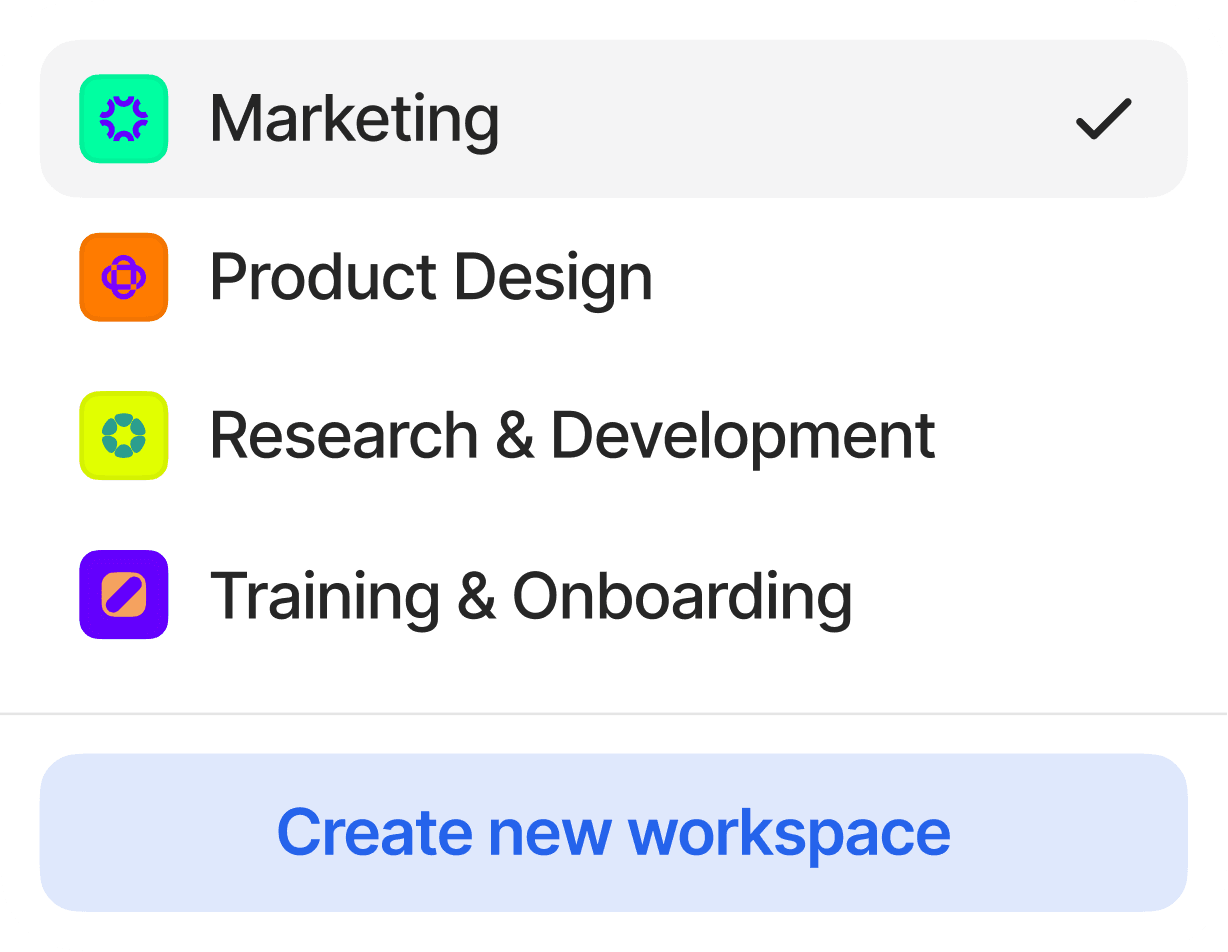
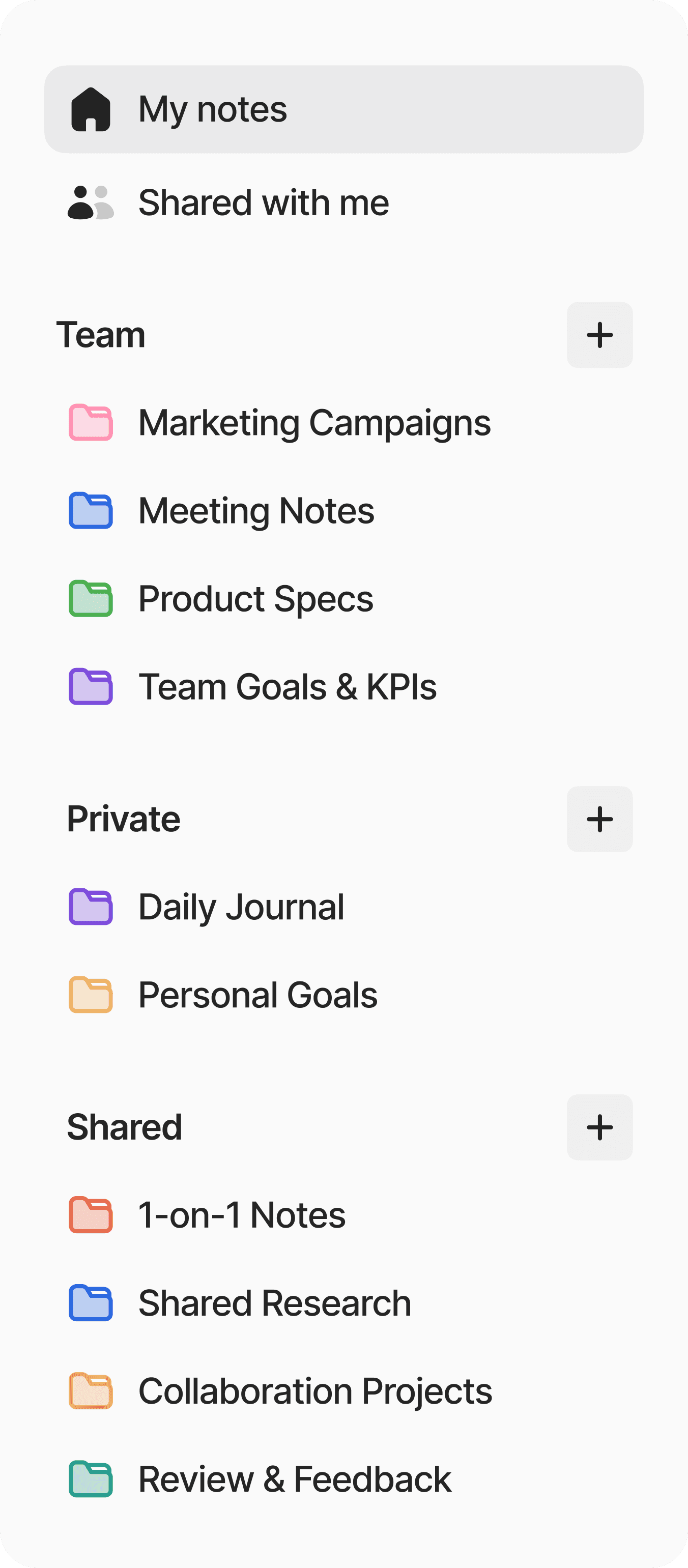
Folders and Workspaces
Organize meetings in a way that fits your workflow. Sort by client, project, or department and find what you need quickly.
Team Access
Give your team access to shared summaries and follow-ups. Everyone stays informed and ready to act, even if they missed the meeting.
Designed for Team Collaboration
Folders and Workspaces
Organize meetings in a way that fits your workflow. Sort by client, project, or department and find what you need quickly.
Team Access
Give your team access to shared summaries and follow-ups. Everyone stays informed and ready to act, even if they missed the meeting.
Private and Secure
Certified Compliance
Fully SOC 2 Type II and CCPA compliant to keep your data safe.
Privacy First
Your recordings and summaries are always encrypted in transit and at rest.
No Data Training
We never train on your data and have zero access to your recordings.
Private and Secure
Certified Compliance
Fully SOC 2 Type II and CCPA compliant to keep your data safe.
Privacy First
Your recordings and summaries are always encrypted in transit and at rest.
No Data Training
We never train on your data and have zero access to your recordings.

Ready to make every meeting count?